

CHROME EXTENSION
The Click With Confidence Chrome extension checks the emails you open in Gmail or Outlook and gives each one a risk score, with a short explanation in plain language. If something looks like a scam, you will know before you click. FREE FOR EVERYONE
-
Add it to Chrome
Install the extension from the Chrome Web Store. It takes a few seconds and costs nothing.
-
Choose how it works
Manual Mode: you press “Scan” when you want an email checked. Automatic Mode: emails are checked as you open them.
-
Know before you click
Every email gets a score from Safe to Danger and a plain explanation. You choose how sensitive the alerts are in Settings.
See how it looks
-
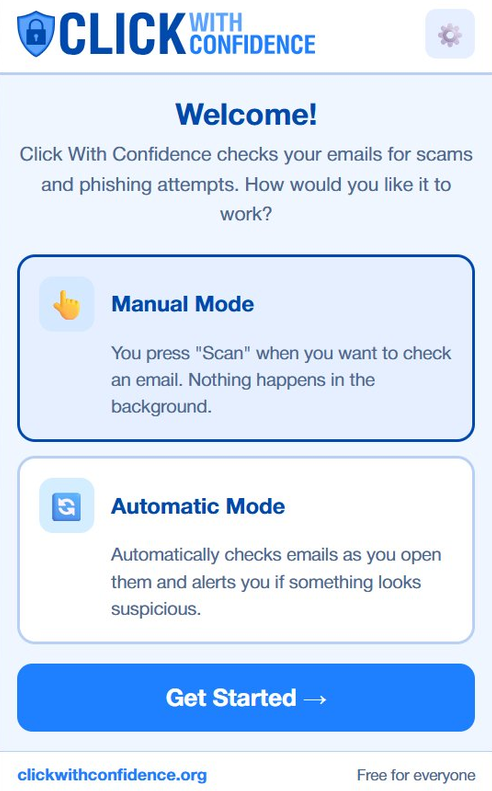
Welcome screen: choose Manual Mode or Automatic Mode
-
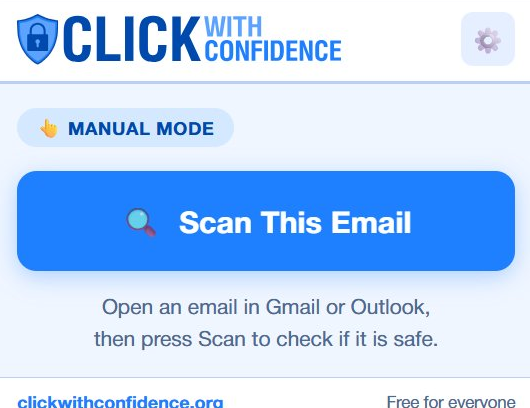
Manual Mode: press Scan This Email to check the email you have open
-
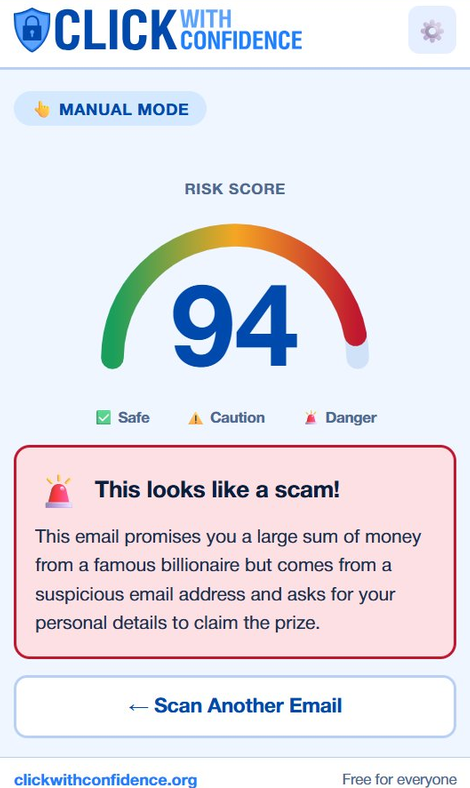
A risk score of 94 with the plain-language warning "This looks like a scam!"
-
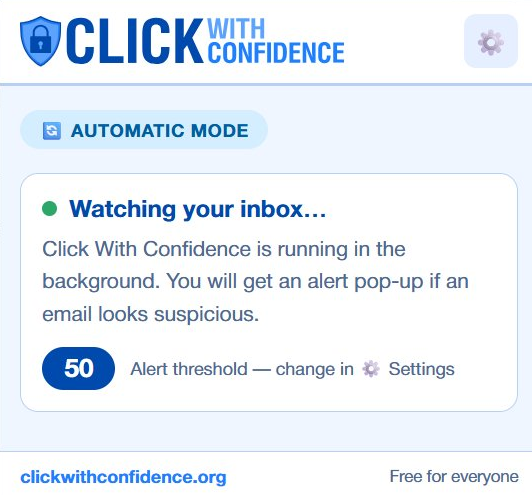
Automatic Mode: "Watching your inbox" while emails are checked in the background
-
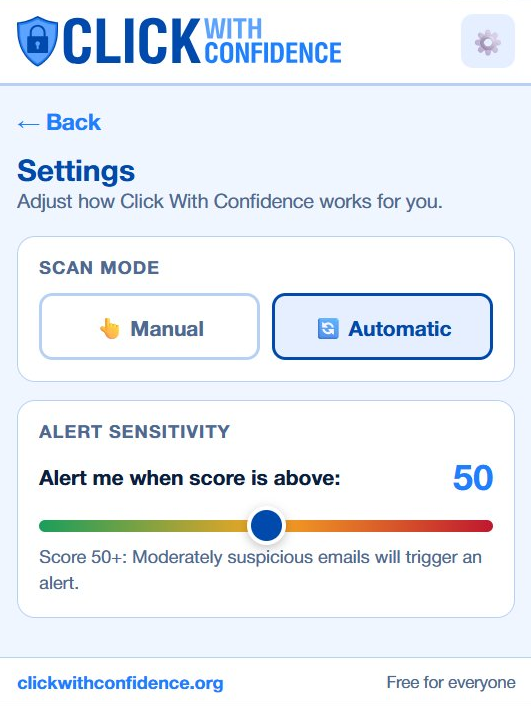
Settings: scan mode and the alert sensitivity slider